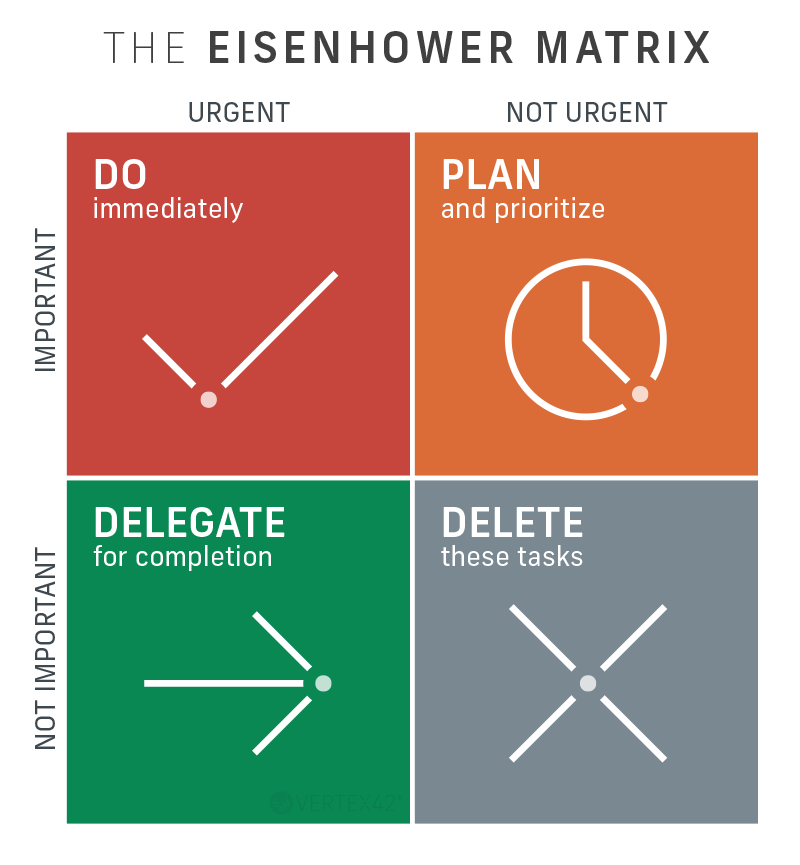


From taking notes on your laptop to watching lecture recordings, working on group projects, and studying for exams, you probably use technology every day at college. But did you know the technology you already use could also make learning more accessible, flexible, and effective?
Discover Assistive Technology (AT)
According to Understood.org, assistive technology refers to “any device, software, or equipment that helps people work around challenges.”
Your laptop, smartphone, or tablet may be more than just a device. With built-in accessibility features and apps, it can become a powerful tool to support your learning. Tools like text-to-speech, speech-to-text, captions, digital notetaking, and time management features can help you engage with course materials, organize your ideas, and stay on track.
The best part? While these tools can be especially helpful for students with disabilities, they can benefit all learners!
Explore the Tools. Find What Works for You.
Discover built-in accessibility features that can support your learning in four key areas:
Reading — Discover tools that make reading more manageable, support comprehension and retention, and help you engage with course materials in ways that work for you.
Writing — Explore tools that help you organize your thoughts, develop your ideas, and express them clearly.
Notetaking — Discover tools to capture key information, organize your notes, and review important concepts.
Time Management — Find tools to plan your schedule, prioritize tasks, and keep track of assignments and deadlines.
You don’t necessarily need to download something new or buy additional technology. You may already have tools at your fingertips that can help you learn more effectively, stay organized, and make the most of your learning experience!

AT - Support for Reading
 or the Launcher key
  for some shortcuts. Both keys work the same
 . Then select a line of text or drag the pointer over an area of the screen.
 .
. the text.
 .
. > Accessibility > VoiceOver, then turn the setting on or off.
 , click System Preferences
 > System Settings, then click Accessibility
  in the sidebar (you may need to scroll down). Click VoiceOver on the right, then turn VoiceOver on or off.

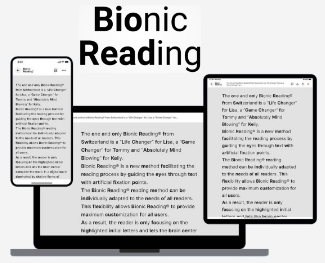
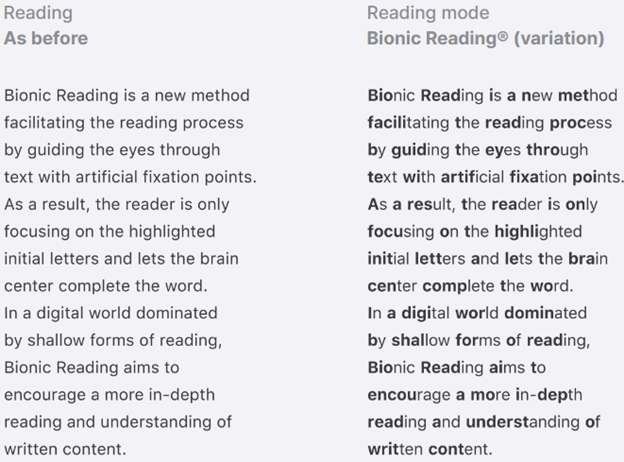
FREE Office 365 Account for VCCCD students

AT - Speech-to-Text
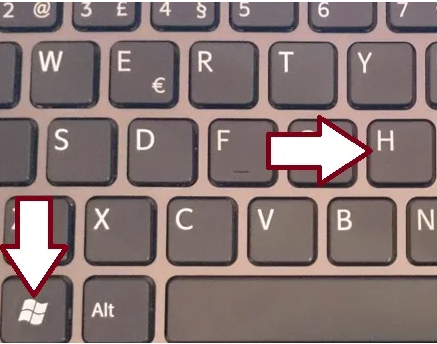
 > System Settings, then click Keyboard
  in the sidebar. (You may need to scroll down.)
 , if available in the row of function keys, use the
  with a fluctuating loudness indicator, or you hear the tone that signals your Mac is ready for dictation, dictate your text.
 while signed into Microsoft 365 on a mic-enabled device.


 on your keyboard, then start speaking. As you speak, the text appears on the screen. To finish, stop speaking, then tap the keyboard button
  .
. Voice typing. A microphone box appears. When you're ready to speak, click the microphone.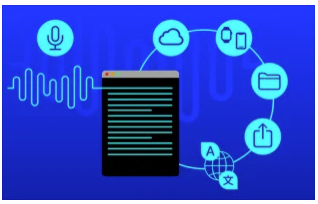
Strategies for College (Linda O'Brien)

AT - Notetaking
Developing an effective notetaking process is a valuable skill for college students. Whether you’re taking notes during lectures or while reading your course materials, notetaking involves organizing information in a way that makes it easier to understand, study, and retain.
Notetaking is a skill that takes practice and exploration. There are many methods to try, such as the Outline Method, SQ4R, Cornell Method, Mapping Method, and more. You may find that different courses benefit from different approaches—for example, notes for a math class may look very different from notes for a history class. And that’s ok! The goal is to develop a notetaking style that works for you—one that helps you identify key concepts, main ideas, and supporting details, and organizes information in a way that boosts your comprehension and memory.
Below are some resources to help you build and refine your notetaking skills:
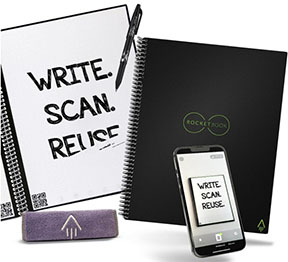
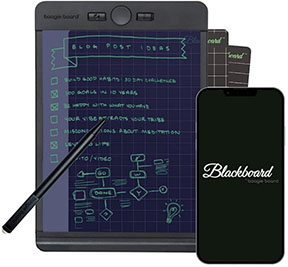
Reusable Notebook for taking notes
AT - Time Management
A Key Skill for College Success
As a college student, mastering time management is essential. According to MindTools, “Time management is the process of organizing and planning how to divide your time between different activities. Get it right, and you'll work smarter—not harder—to accomplish more in less time, even when deadlines are tight and pressure is high."